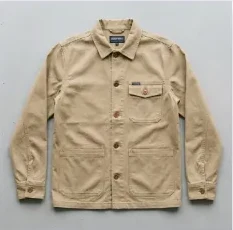
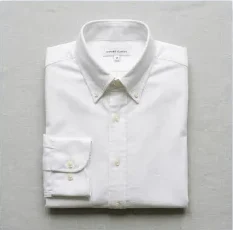
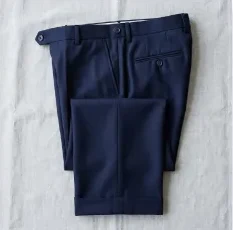
Your wardrobe
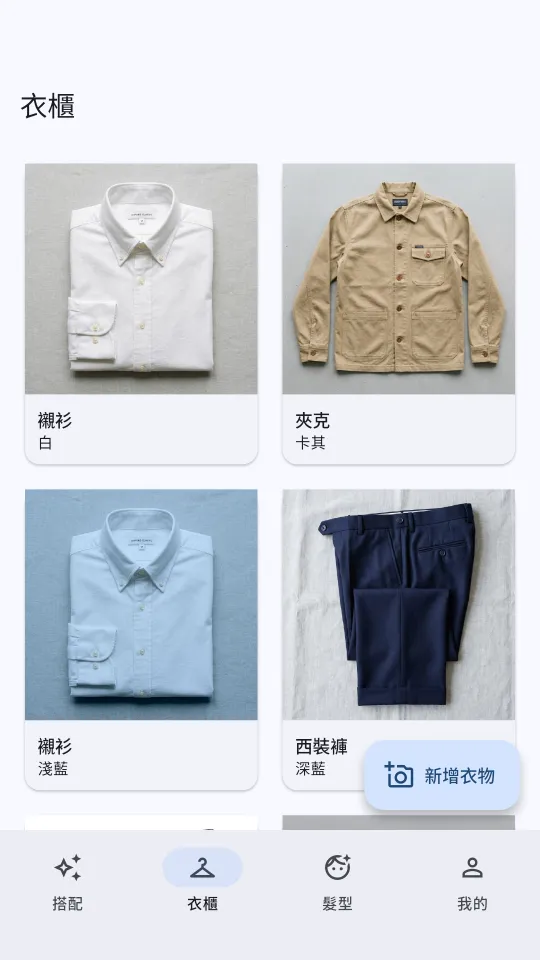
Snap a photo or pick from your gallery, and AI helps tag the category and color.
- Edit, swap photos or delete any time
- No need to finish your wardrobe first: you can get suggestions with nothing in it
AI occasion stylist · Android
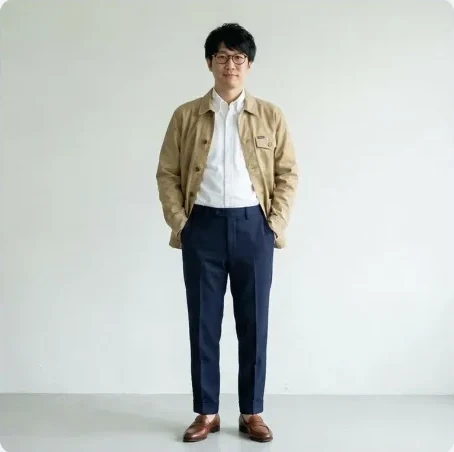
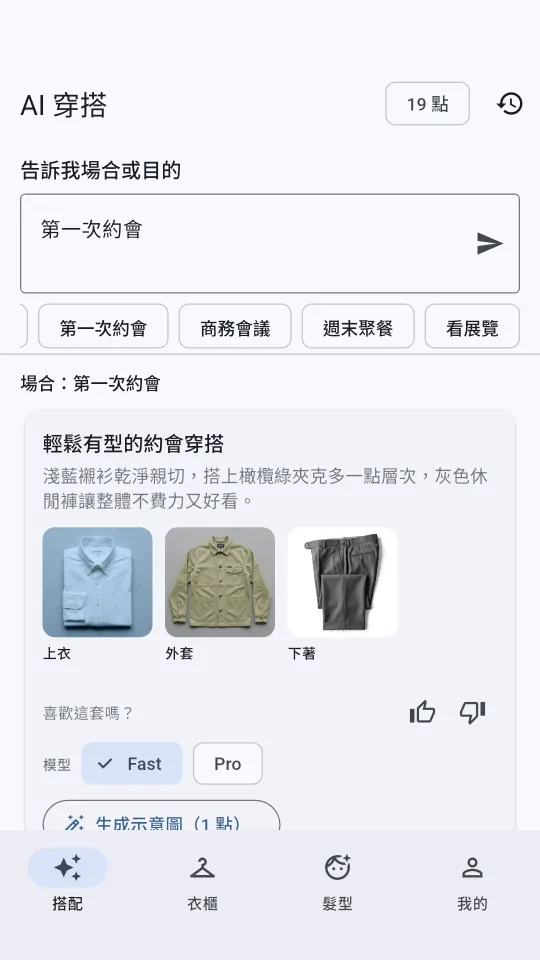
Tell dresspec the occasion. It puts together a whole outfit from your own wardrobe, tells you why it works, then shows it on you.
dresspec is an AI occasion stylist. Weddings, interviews, dates, business meetings: type the occasion (or tap Surprise me and it picks one from the day's weather, season and holidays), and AI builds a full outfit from your wardrobe and explains why it works.
Snap a photo or pick from your gallery, and AI helps tag the category and color.
Every outfit comes with the why. Not feeling it? Get another one.
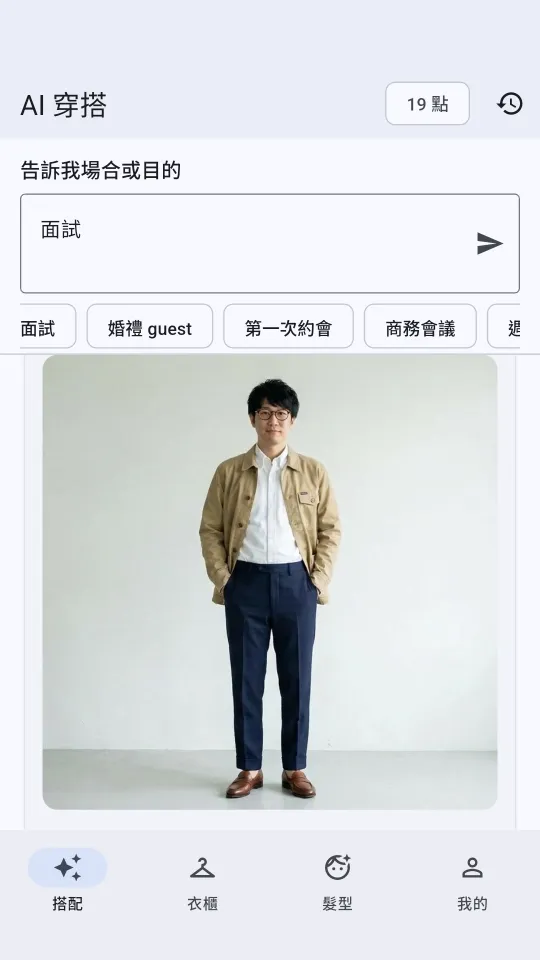
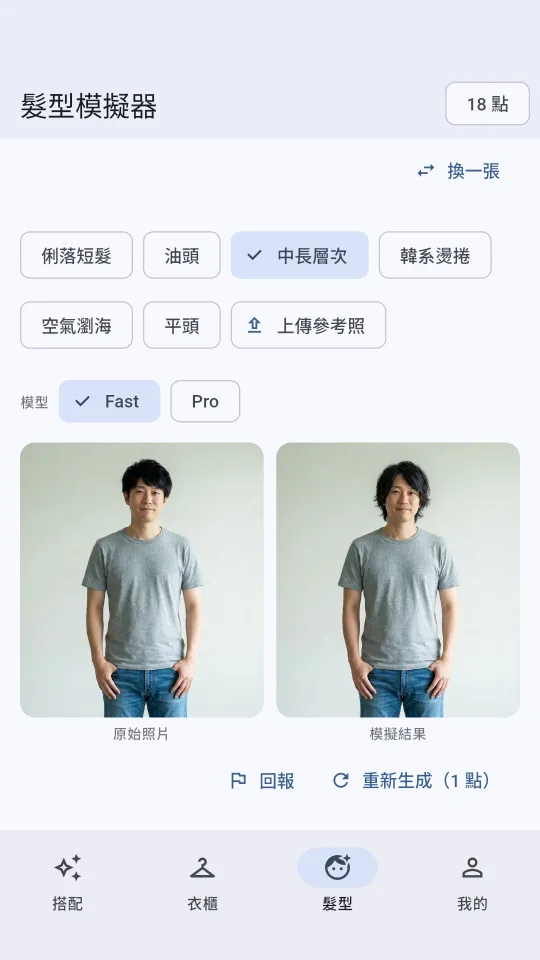
See the outfit on you, and try a new haircut before you book one.


Sign in with Google, and your wardrobe, measurements and outfit history stay with your account, even on a new phone. Measurements and the full-body photo are optional and only help AI get fit and proportions right; skip them and add them later if you like.
A reminder: outfits and previews are generated by AI and are for reference only; real results vary with the person and the clothes.
Screenshots show the app in Traditional Chinese.
Using the Google account you're signed in to Google Play with on your phone, join the coyotech-testers Google Group.
Then open dresspec's Google Play testing page, tap “Become a tester”, and install dresspec from Google Play.
Tester access can take a few minutes to kick in. If Google Play can't find the app yet, wait a moment and try again.
It's free to download. Generating previews, full-body photos and hairstyle previews uses credits, and new accounts get free credits to start. If you run out, buy an occasion pack (one-off; the credits never expire) or subscribe to Plus (monthly or yearly: a batch of credits each month that resets monthly and doesn't roll over). Plus renews automatically; cancel any time under Payments & subscriptions in Google Play, and it stays active until the end of the period. Prices are as shown on Google Play.
Yes. You don't need to finish your wardrobe first; you can get suggestions with nothing in it. Add clothes later by taking a photo or picking from your gallery, and AI helps tag the category and color.
No. Measurements and the full-body photo are optional and only help AI get fit and proportions right. Skip them and add them later if you like.
Clothing photos and the optional full-body photo are stored on Google Cloud (us-central1, USA) and sent through our servers to Google Gemini for tagging, styling and generating previews. Your data isn't shared with advertisers. Full details are in the dresspec privacy policy.
In the app, go to Profile > Settings > Delete account, or see how to delete your account (Traditional Chinese). Deleting your account doesn't cancel your subscription, and any remaining credits are voided.
dresspec is launching on Android first and is in closed testing on Google Play. There's no iPhone version yet.